

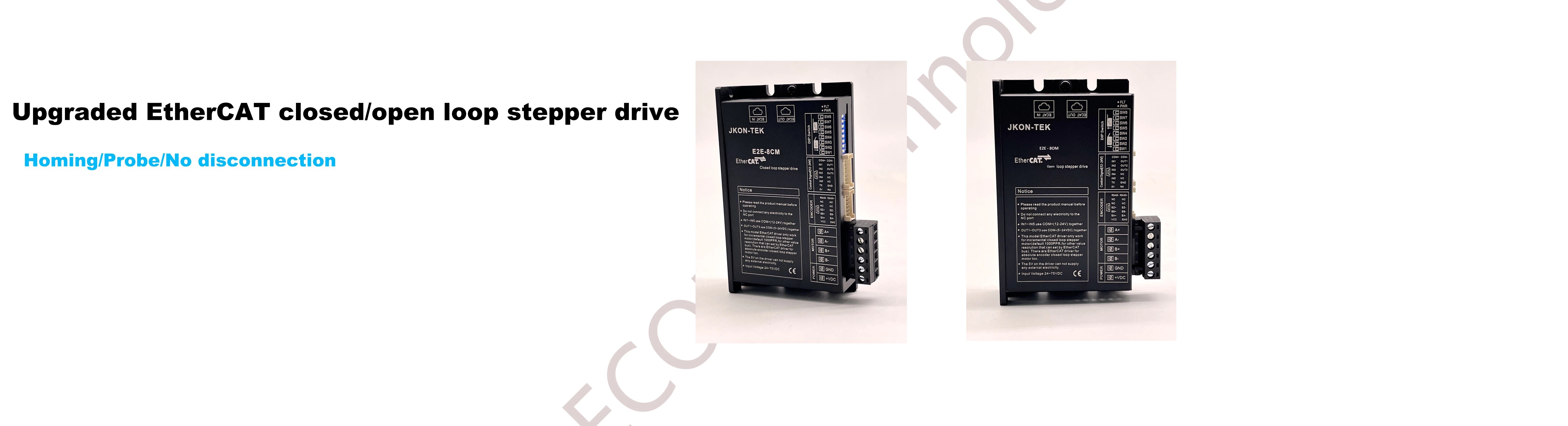




EtherCAT stepper drive E5-CAT ST68D work with Omron PLC NJ501---Operations
1:Install the Omron PLC programming software sysmac studio

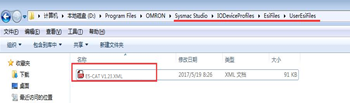
2:copy the XML file to the folder which the sysmax studio installed -EsiFiles/UserEsiFiles
3:The basic setting for the PLC and drive
A:open the software and select the right version


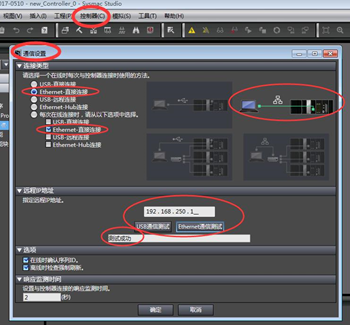
The PC connect the drive with network cable, and set the IP as below

The setting on software are as below
Note!
A:If there are some others software occupied communication port ,the user need to stop the others software .
B:if the testing is not successful, please restart PC or PLC
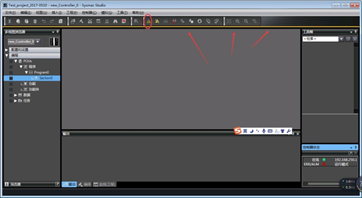


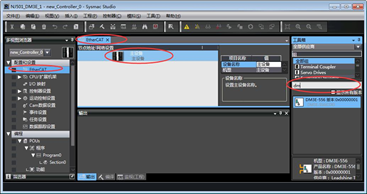
Scan the drive node as above ,and user can try add the drive node by manual ,as below
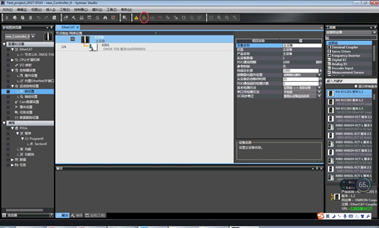
Click offline(the axis parameter and program can be configurated only at offline status.
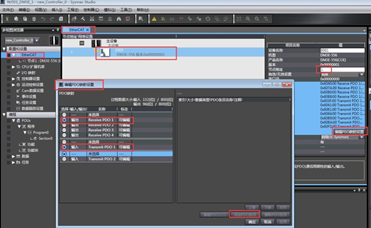
Edit PDO mapping: add the PDO and edit the mapping address
Note! the drive node should be correct, and the axis number setting in PLC should be corresponding to the actual axis number
Add axis

The basic configuration:*means the necessary setting , the others can be set base on the actual requirement


The homing setting
NJ501 supports 10 types of homing, the user set the homing type base on the actual requirement.set the ACC,speed,motor direction ,and so on